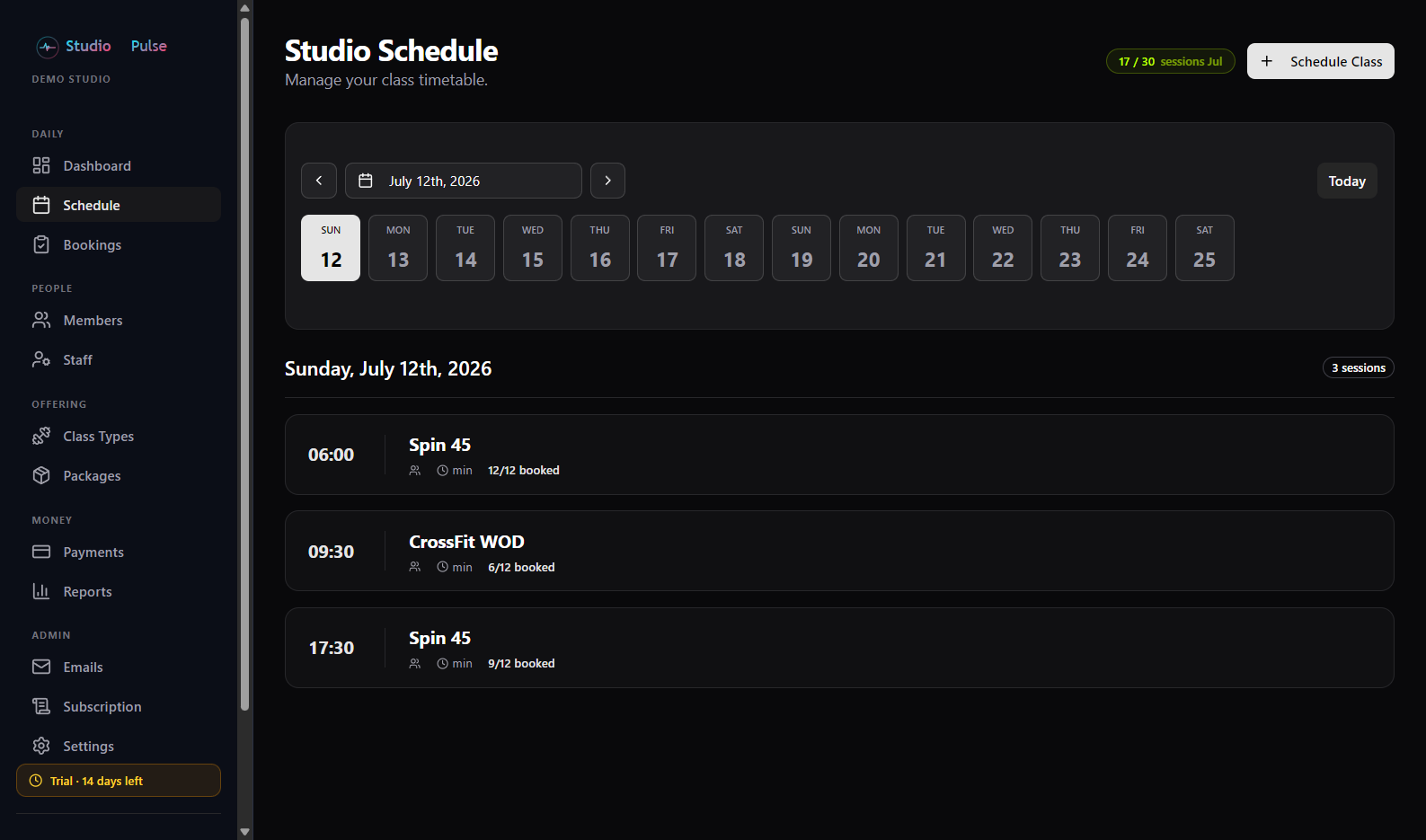
Your timetable, on rails
Create a class once and repeat it daily or weekly to any end date. Series stay linked - edit or cancel the whole series in one action, exactly like a calendar series.
Built for how studios actually schedule
Class types hold your defaults (duration, capacity); the schedule holds the when-and-who. Change either without breaking the other.
Repeating series
Set a start date, a repeat (daily or weekly) and an end date. Every class in the series is linked from day one.
Edit the whole series
New trainer? New time? Apply the change to this and every future class in one save. Booked members are kept in sync and notified of the change.
Cancel without the fallout
Cancel one class or the whole series. Past classes are never touched, and every booked member is unbooked, refunded their credit, and emailed - automatically.
Capacity & fill
Set capacity per class type, see booked-vs-capacity at a glance, and let the waitlist handle the overflow.
Day and month views
Work a day in detail or see the whole month at a glance - members get the same month view in the app, with a dot on every day they’re booked.
Locations & venues
A second branch, the park, a client’s gym - keep a list of venues, pick one per class, and members see exactly where to pitch up.
See it
The schedule view your front desk will live in: